To join the chat, enter your name, and then click the "Sign in" button.
Graduation Celebration 2025
Ceremony Program

View and download our Graduation Ceremony Program
Tips for Watching
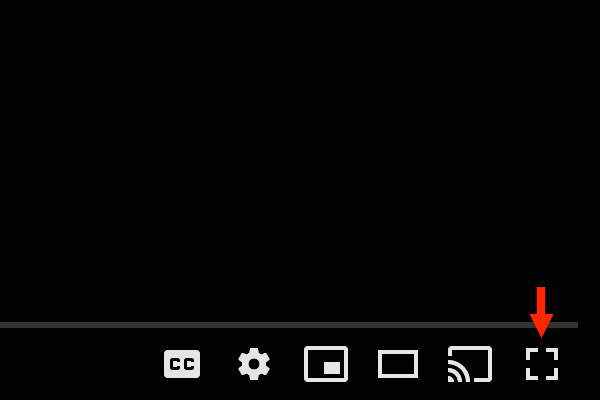
- Full-Screen View
- You can watch the video in full screen on your device by clicking the Full screen icon in the lower right corner of the video player.
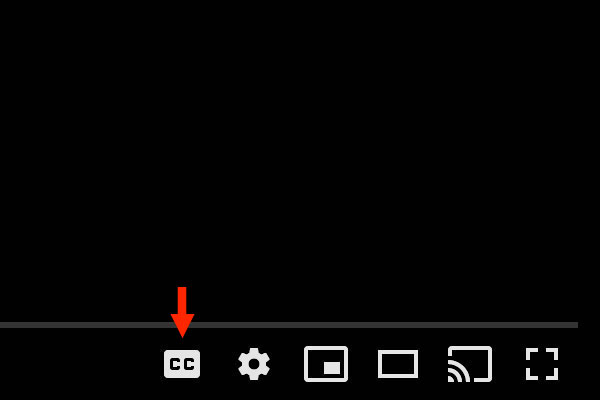
- Closed Captions
- You can turn on closed captions by clicking the Subtitles/closed captions (c) icon in the lower right corner of the video player window.
- Family & Friends Messages
- Please visit our Graduation Celebration Facebook page and post congratulatory posts, photos and videos to the class of 2025! For more information, visit cecil.edu/graduation.
- Technical Difficulties
- If you experience technical difficulties viewing the livestream, please try refreshing your page. If you still cannot see the livestream, please call our Help Desk at (410) 287-4357 for assistance.